Use these shortcuts to navigate the interface without reaching for the mouse.
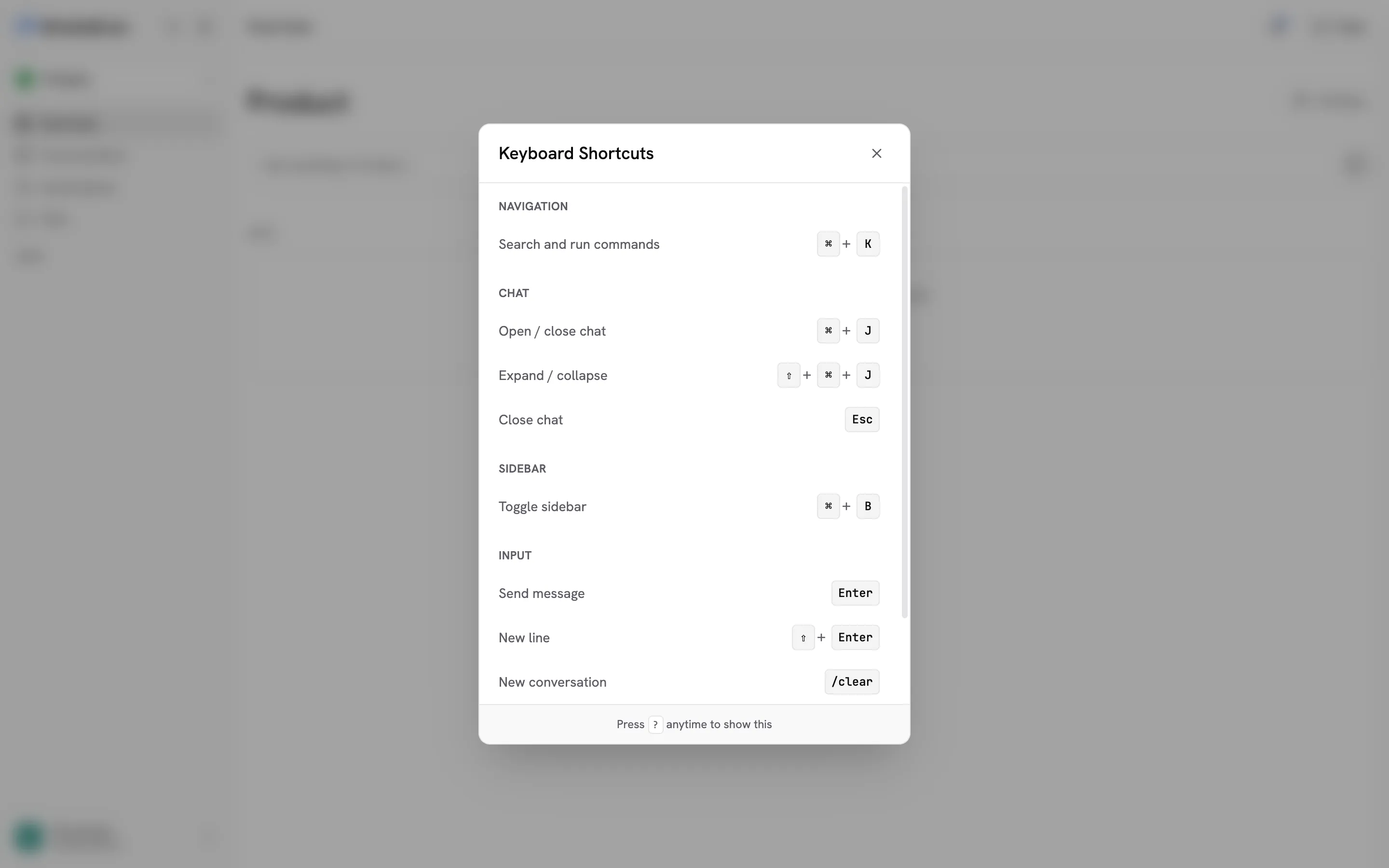
| Shortcut |
Action |
| Cmd+K / Ctrl+K |
Open the command palette |
| Shortcut |
Action |
| Cmd+J (Mac) / Ctrl+J (Windows) |
Open / close chat |
| Cmd+Shift+J / Ctrl+Shift+J |
Expand / collapse chat |
| Esc |
Close chat |
| Shortcut |
Action |
| Cmd+B / Ctrl+B |
Toggle sidebar |
| Shortcut |
Action |
| Enter |
Send message |
| Shift+Enter |
New line (without sending) |
/clear (typed in input) |
Start a new conversation |
| Cmd+V / Ctrl+V |
Paste a file from the clipboard as an attachment |
| Shortcut |
Action |
| ? |
Show keyboard shortcuts |

